

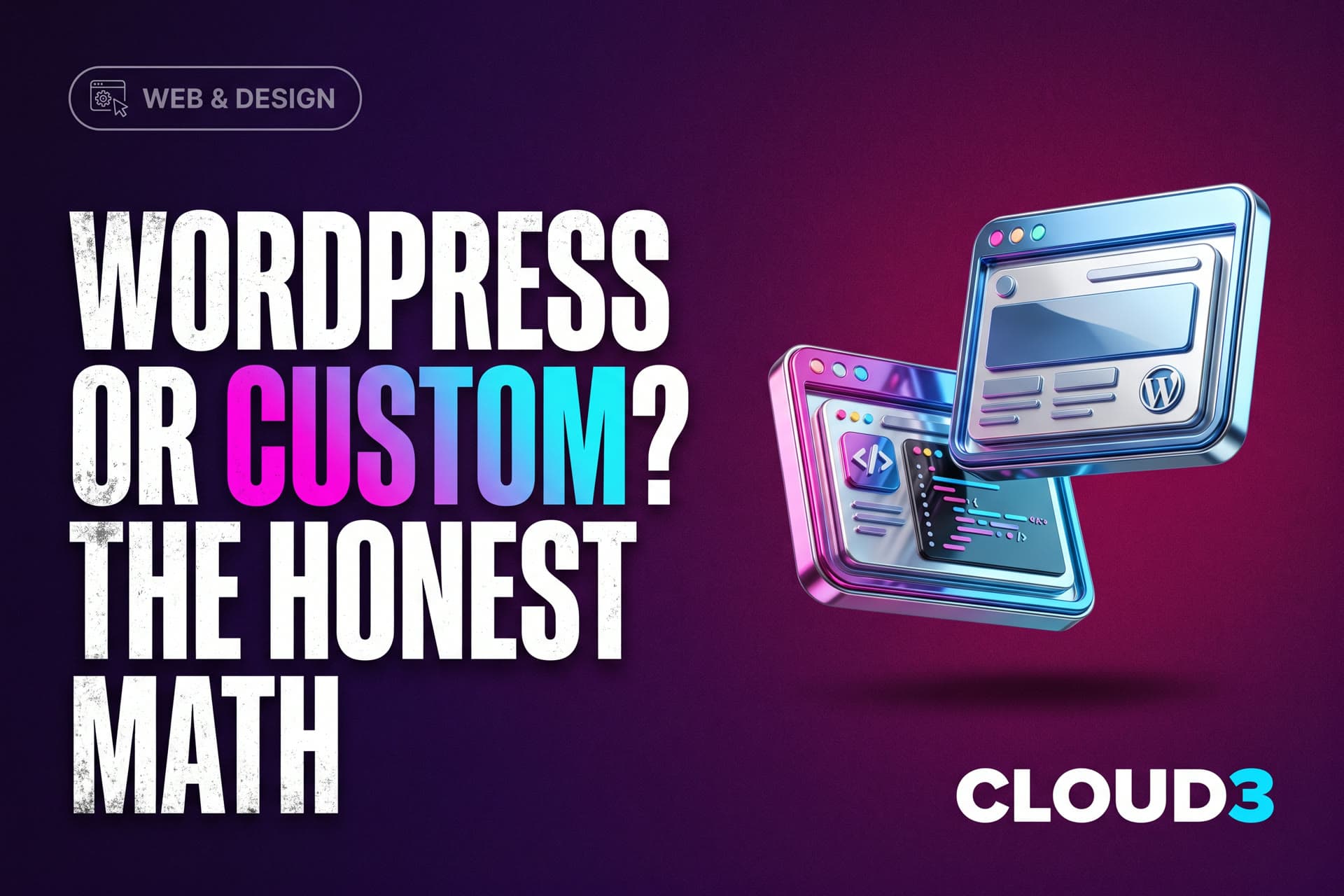
Ask five agencies about Toronto WordPress website design, and you will get five confident, contradictory answers. Each one usually matches whatever that agency happens to sell. This is the honest comparison instead: what WordPress genuinely does well, where custom-coded builds win, and how a Toronto business should actually make the call.
We build custom sites, so you know our bias right up front. Even so, we will give WordPress its real due, because for plenty of businesses it is genuinely the right call.
What WordPress Actually Is in 2026
WordPress powers a huge share of the web, and its strengths are real. You get a mature ecosystem, thousands of themes and plugins, and an editing experience that non-technical teams can learn fairly quickly. For a content-heavy site, a simple brochure presence, or a tight budget that depends on in-house editing, WordPress is a perfectly rational choice.
The weaknesses are just as real, though, and they compound over time. Themes and page builders carry code for every feature they might ever offer anyone, which makes most WordPress sites heavy and slow by default. Plugins also multiply fast, and each one is a dependency with its own updates and its own security surface. On top of that, the platform's popularity makes it the most attacked one on the internet, which is exactly why maintenance is never optional. And the site you end up with is, structurally, the same theme thousands of other businesses already bought.
What a Custom Build Means
A custom-coded site, built on a modern framework like Next.js, carries only the code your site actually needs. The practical differences then show up in three places Toronto businesses feel directly.
Start with speed. Custom builds routinely hit sub-second loads and 90+ performance scores, right where template WordPress sites tend to struggle. That is not vanity, either. Slow sites lose 53 percent of mobile visitors before the page even loads, and every extra second of delay costs about 7 percent in conversions.
Then consider SEO. Server-side rendering, clean structure, and structured data are native to a custom build, rather than bolted on through stacks of plugins. In other words, the technical foundation Google rewards is simply present from day one.
Finally, weigh security and upkeep. There is no plugin treadmill, no monthly scramble to patch vulnerabilities, and no builder lock-in. The site becomes an asset you own outright, and it does not quietly decay between maintenance visits.
The honest downside is twofold. The upfront cost runs higher, and content editing has to be designed in rather than assumed. So tell your builder up front exactly what you need to edit yourself.
The Comparison That Actually Matters
The real question is not which platform wins in the abstract. It is what job your website actually does for you.
If the website is a business card, then WordPress is fine and cheap. But if the website is a growth engine, the calculation changes fast. A growth engine has to rank for competitive local searches, convert paid traffic, load instantly on phones, and plug into your CRM and booking systems. At that point, a custom build stops being a luxury. It becomes the difference between a site that supports your marketing and a site that quietly fights it.
That is the exact lens we use in our own web design work in Toronto: every build exists to rank and convert, so the platform decision follows from the growth math rather than from preference. Our broader guide to modern website design covers the design principles that apply on either platform.
Cost, Honestly
Toronto WordPress website design from a freelancer or small shop typically runs $1,500 to $5,000 for a theme-based build, and more once you add heavy customization. Custom-coded business sites, by comparison, typically run $5,000 to $15,000 depending on scope, with the most complex builds landing above that.
The number that matters far more, though, is total cost over three years. WordPress carries ongoing maintenance, plugin licenses, the occasional security incident, and often a full rebuild once the theme ages out. A custom build, on the other hand, costs more once and then mostly just runs. Businesses that depend on their site for lead generation usually find the three-year math favors custom by a wide margin. Businesses that only need a simple presence usually find it does not.
Migration Without Losing Your Rankings
The most common fear about leaving WordPress is losing your Google rankings, and it is a legitimate risk whenever migrations are done carelessly. Done properly, the story flips. With every URL mapped, 301 redirects in place, metadata preserved, and performance monitored right through the switch, rankings typically improve after migration, because the new site is faster and cleaner than the one it replaced. And if you are already seeing the warning signs, our piece on when it is time for a redesign will feel familiar.
The Page Builder Problem, Specifically
Most Toronto WordPress quotes are really page builder quotes underneath: Elementor, Divi, WPBakery. Builders are how a theme becomes "custom" without any custom code, and they are precisely where the performance problems concentrate.
A builder ships its entire toolkit on every single page, including sliders you never used, animation libraries, layout engines, and compatibility shims. So the result is routine in audits. Pages carry several times the code they actually need, scoring in the 40s and 50s on mobile performance where a clean build scores 90+. The builder then becomes a dependency of its own. It has to stay licensed, updated, and compatible with every other plugin forever, and switching away later means rebuilding anyway, because the content lives inside the builder's own markup.
None of this is fatal for a brochure site. But all of it quietly taxes a site that needs to rank and convert every day, and the cost compounds. So when a WordPress quote comes in thousands of dollars cheaper, the builder is usually where that difference went.
What to Ask Any Toronto Web Designer
Platform aside, five questions sort the field quickly:
- What will my mobile performance score be, and will you commit to it in writing?
- Who owns the site, code and content, when we eventually part ways?
- What exactly can I edit myself, shown on a real build rather than merely promised?
- What happens to my Google rankings during migration, laid out in specific steps?
- What does year two actually cost, from licenses to maintenance to hosting, all of it?
Confident builders answer all five without flinching, whether they work in WordPress or custom code. Evasive answers on ownership and performance are the real tell, and they predict exactly the problems that surface about eighteen months later.